
The digitalPersona U.are.U 4500 is a compact, optical USB fingerprint reader by HID Global, used for secure, convenient biometric identity verification in personal and shared environments like retail, enterprise, and POS systems, offering excellent image quality.
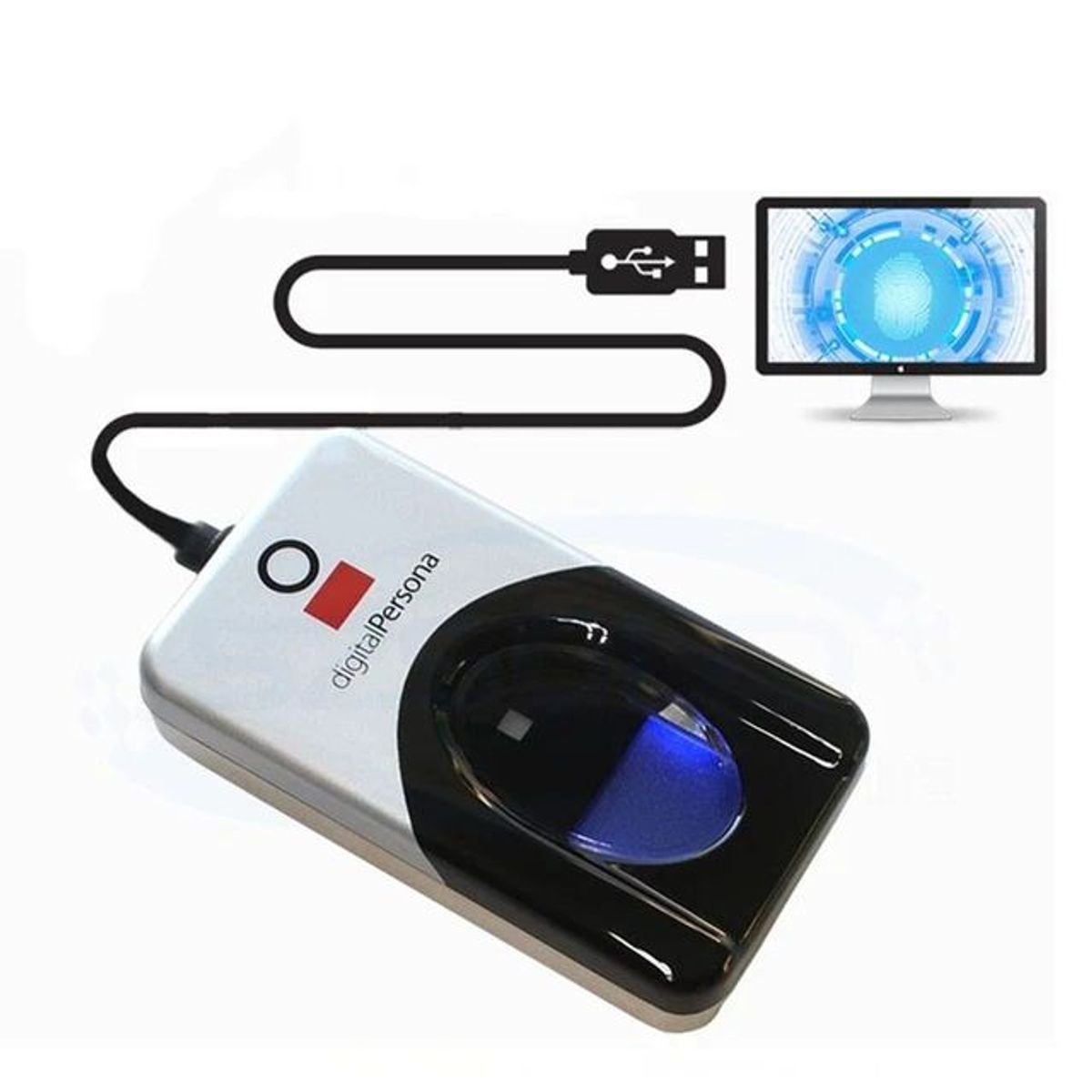
For the digitalPersona U.are.U 4500 Fingerprint Reader to communicate with The Smart DMS, you have to first install the reader’s drivers and client. Learn more below:
If you have just installed the drivers and client, restart your machine.
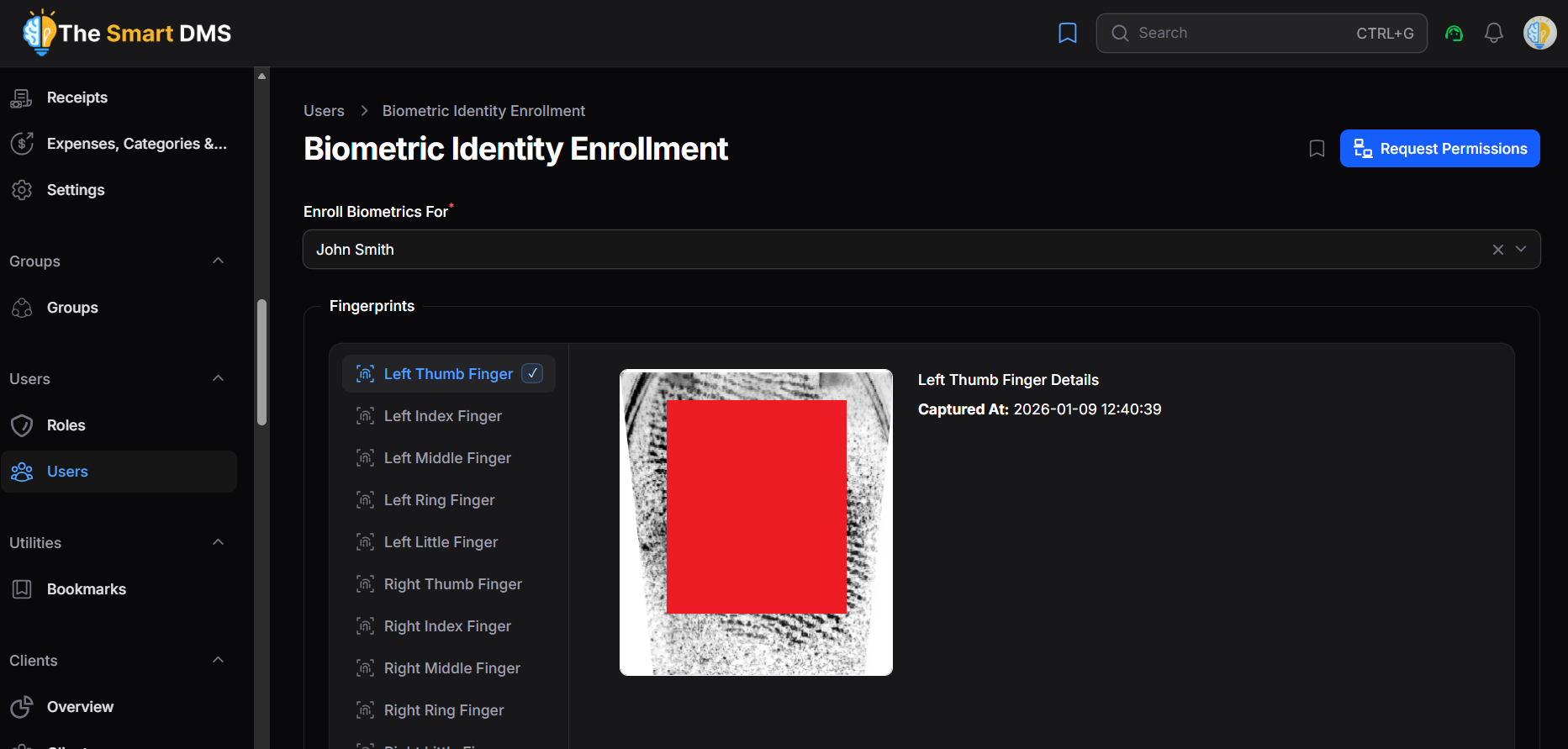
To enroll a user’s biometric fingerprints, go to Users → Biometric Identity Enrollment. Once the page loads, the fingerprint reader indicator will turn blue, showing that it is ready. Place your finger on the scanner, and the indicator will turn pink while the fingerprint is being captured.
Troubleshooting #
If the fingerprint reader is not working:
- Confirm that you are not using a VPN
- Confirm that you have installed the drivers and client correctly. If you have confirmed this and still does not work, confirm your browser permissions. Do this by going to your The Smart DMS instance page, proceed to Users > Biometric Identity Enrollment and click on request permissions.
- Clear browser cache


