You can start or end a task using two simple methods:
Method 1: Quick Actions Menu #
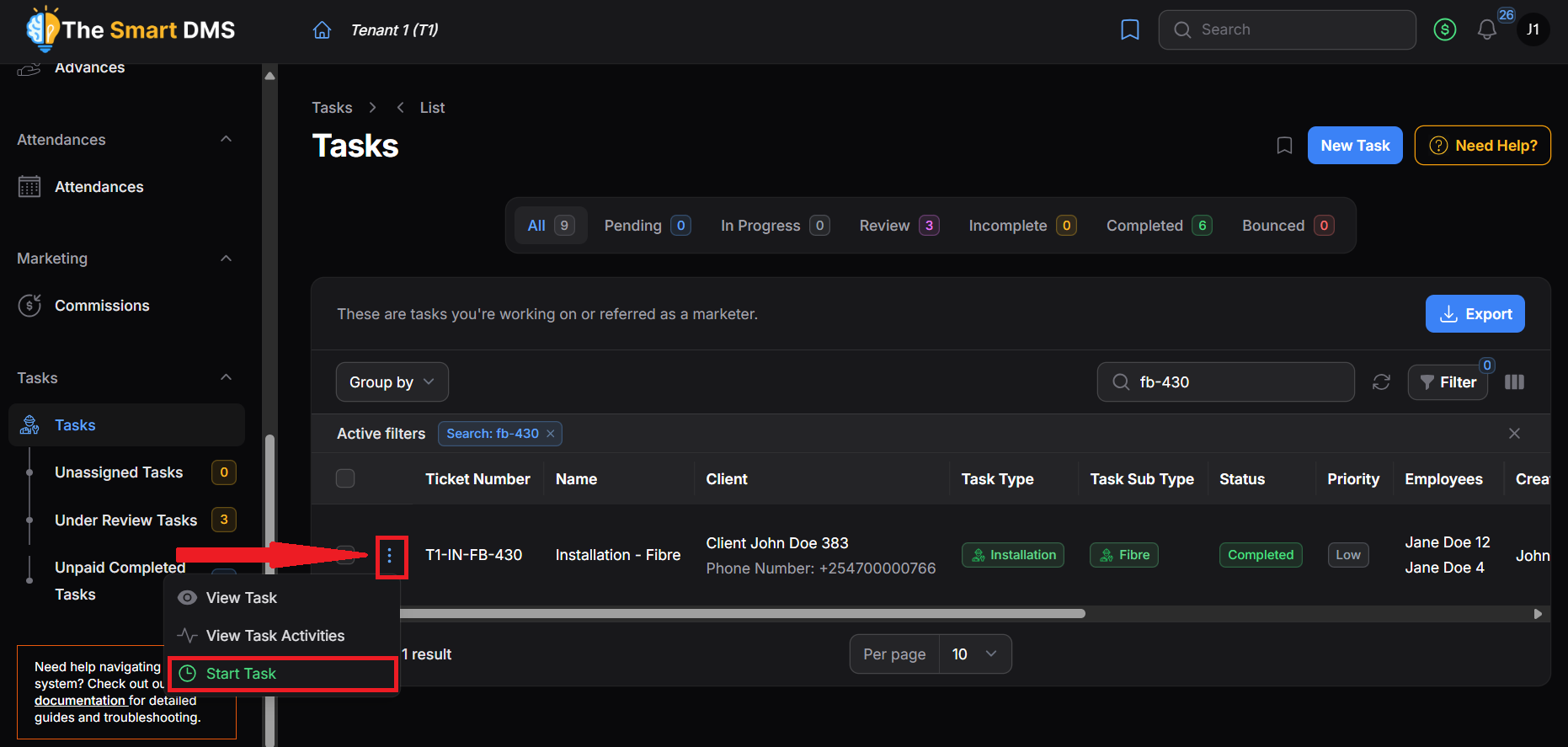
- Go to the Tasks page.
- Use the search bar to find the task.
- Click the three vertical dots next to the task.
- Select Start Task.
Method 2: Via Task Details #
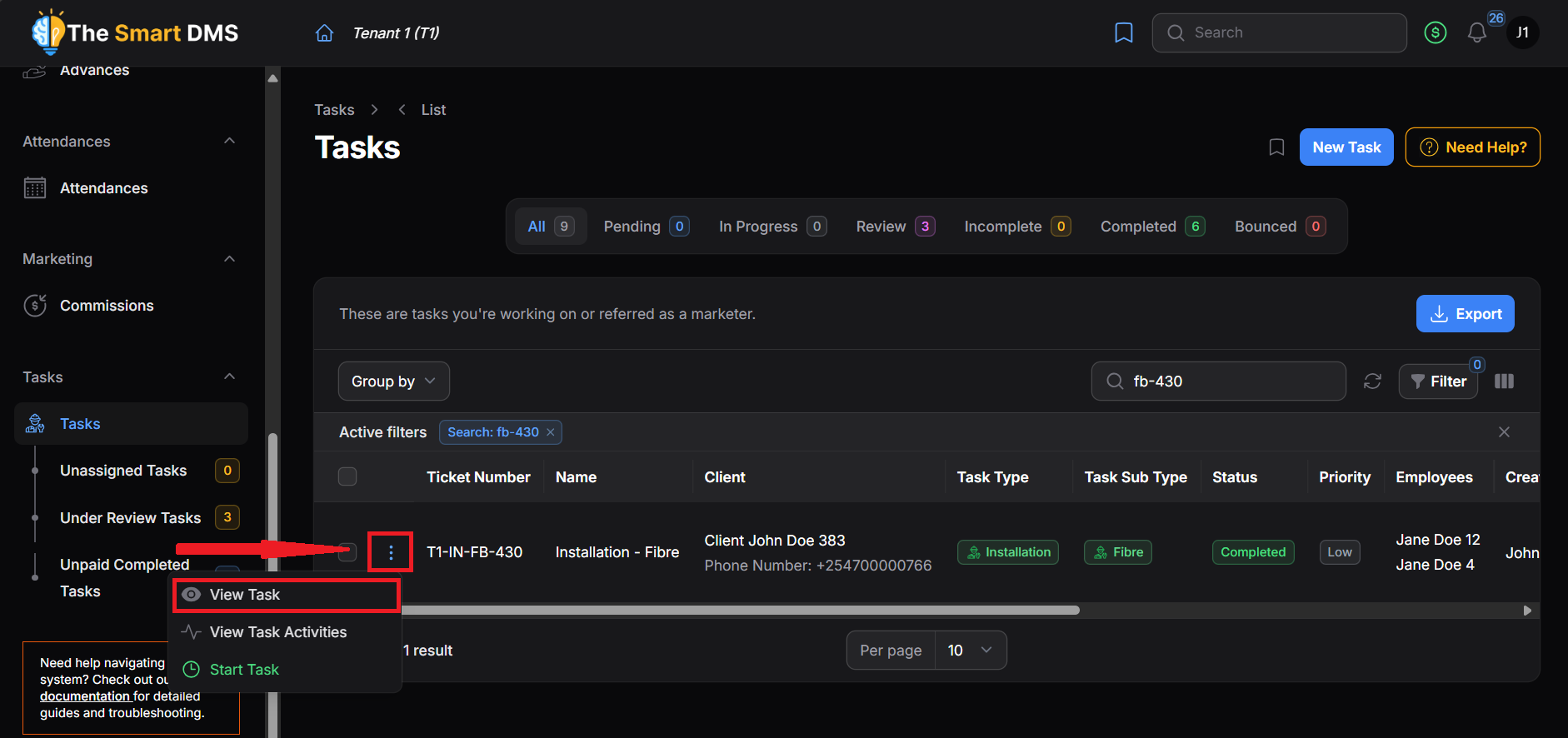
- Go to the Tasks page and search for the task.
- Click View Task to open the full task details.
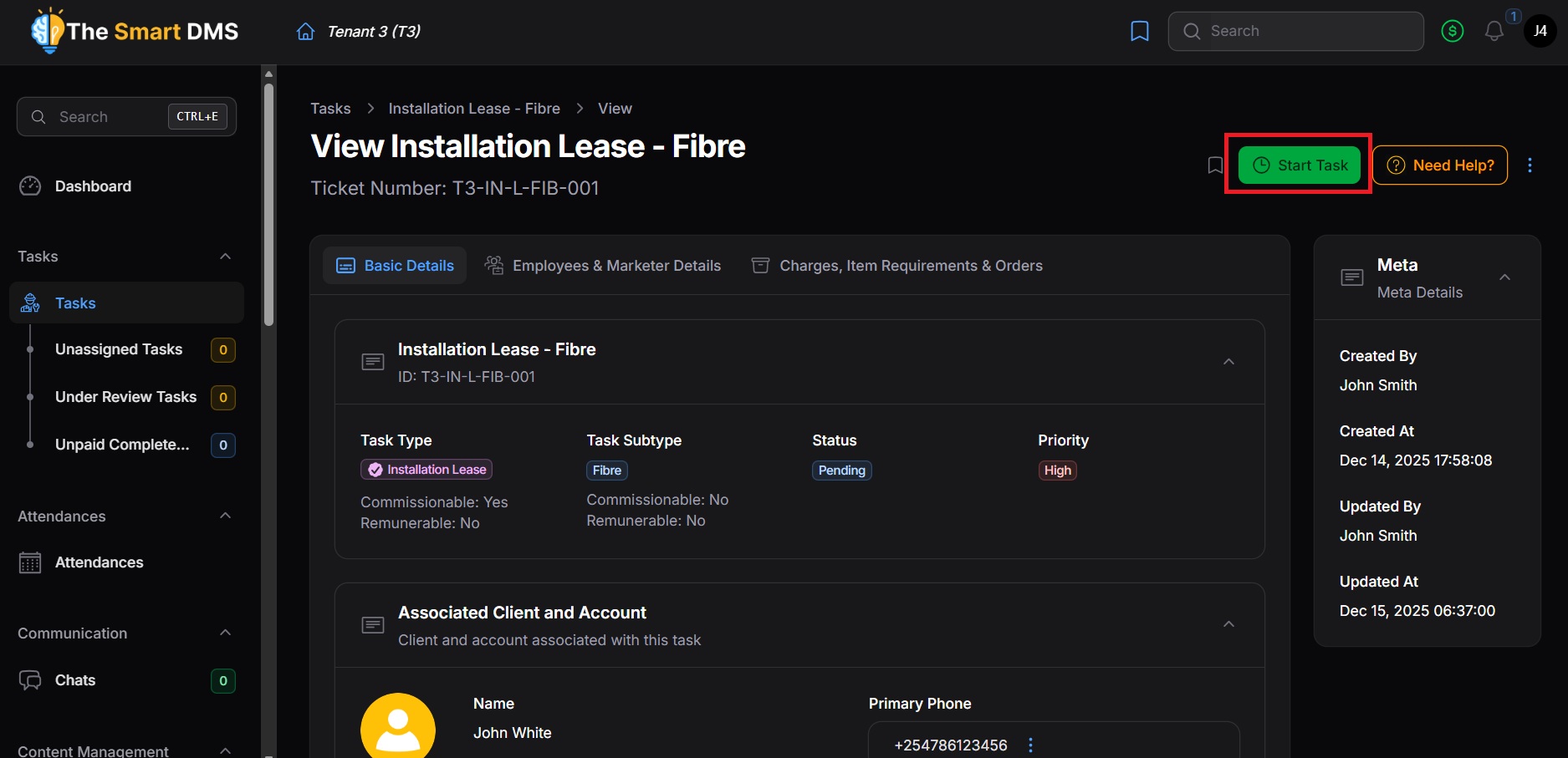
- In the header section, you will find a Start Task button. Click it as needed.
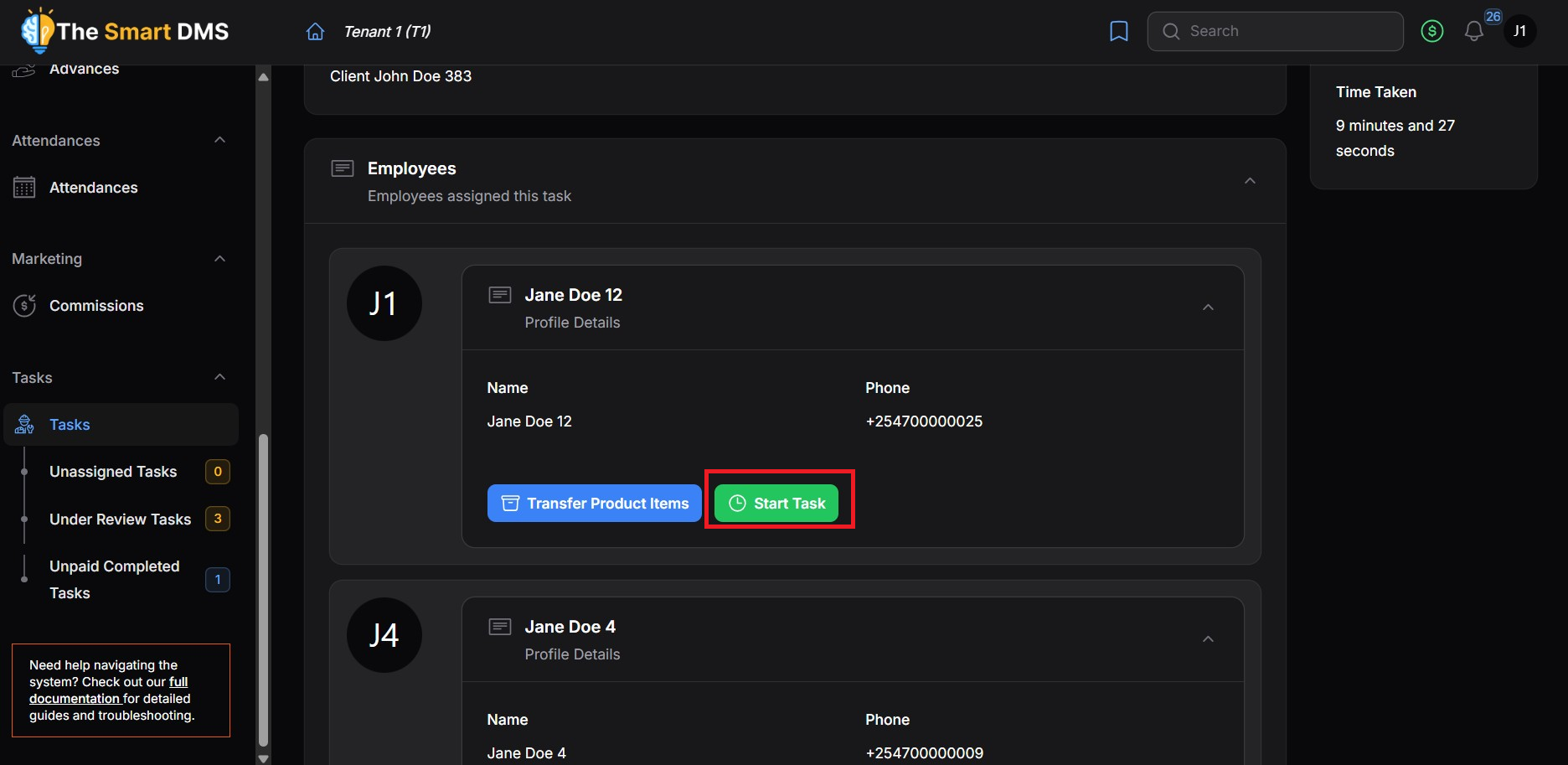
- Alternatively, click on the Employees & Marketer Details Tab and scroll to the Employees section.
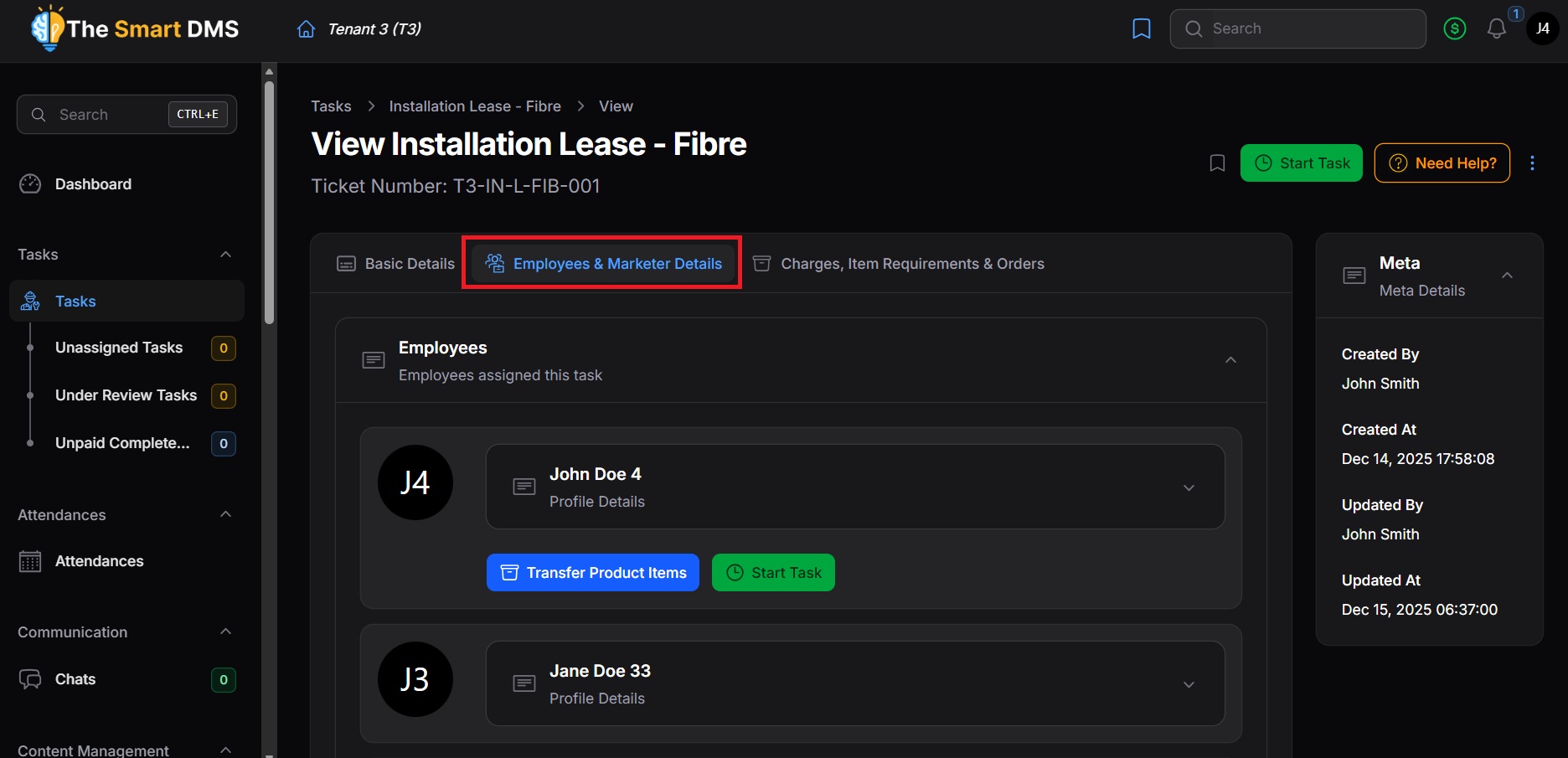
- Find your employee profile.
- Click Start Task as needed.
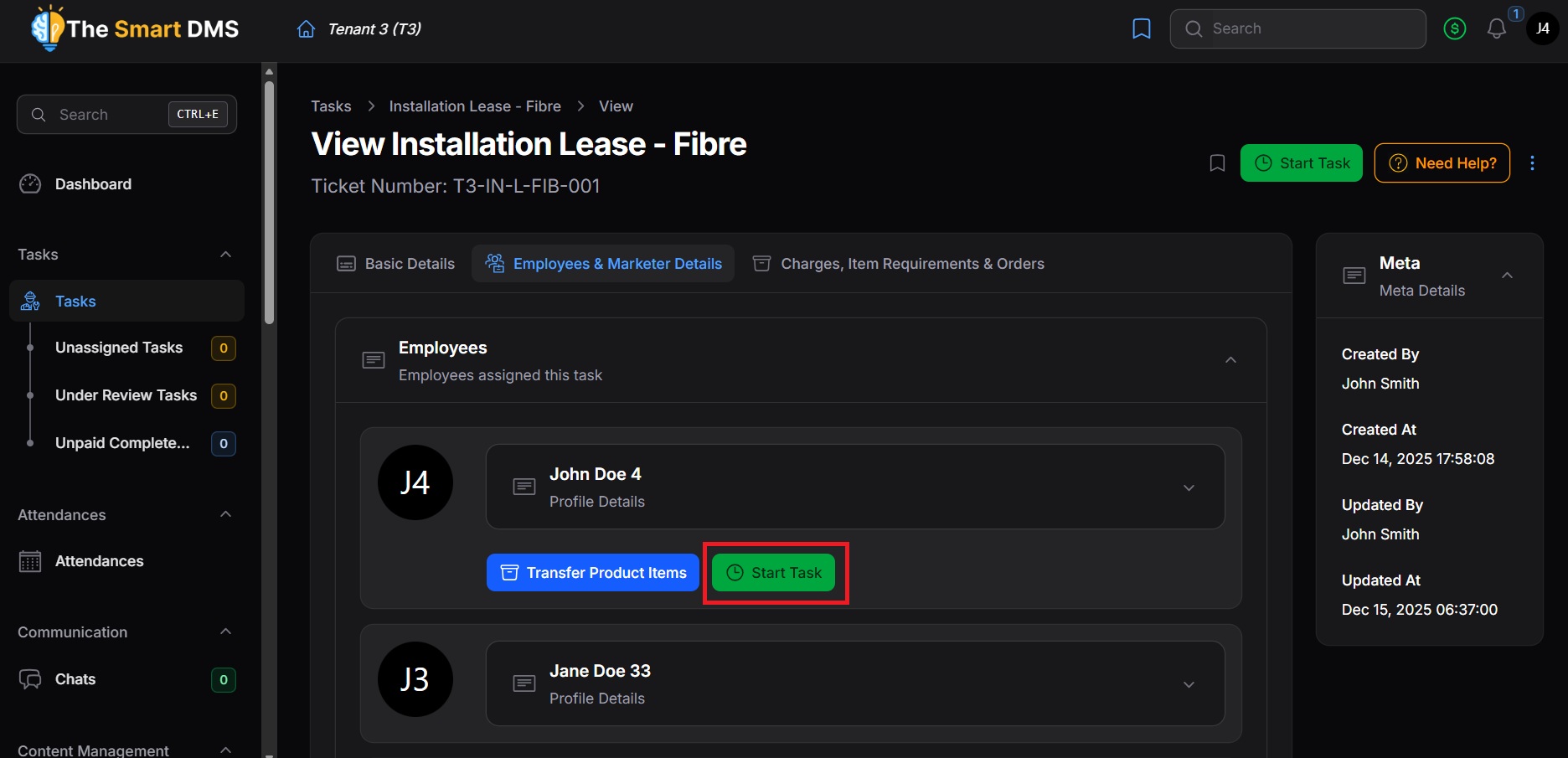
If the task had a Pending status, it will change to In Progress when the task is started, and then move to Review status when ended.