
Product categories help you organise related products into groups. You can create main categories and subcategories to structure your catalogue. For example, Electronics can be a main category, with Mobile Phones and Accessories as subcategories.
Access this section under Ecommerce → Categories.
Creating a Category #
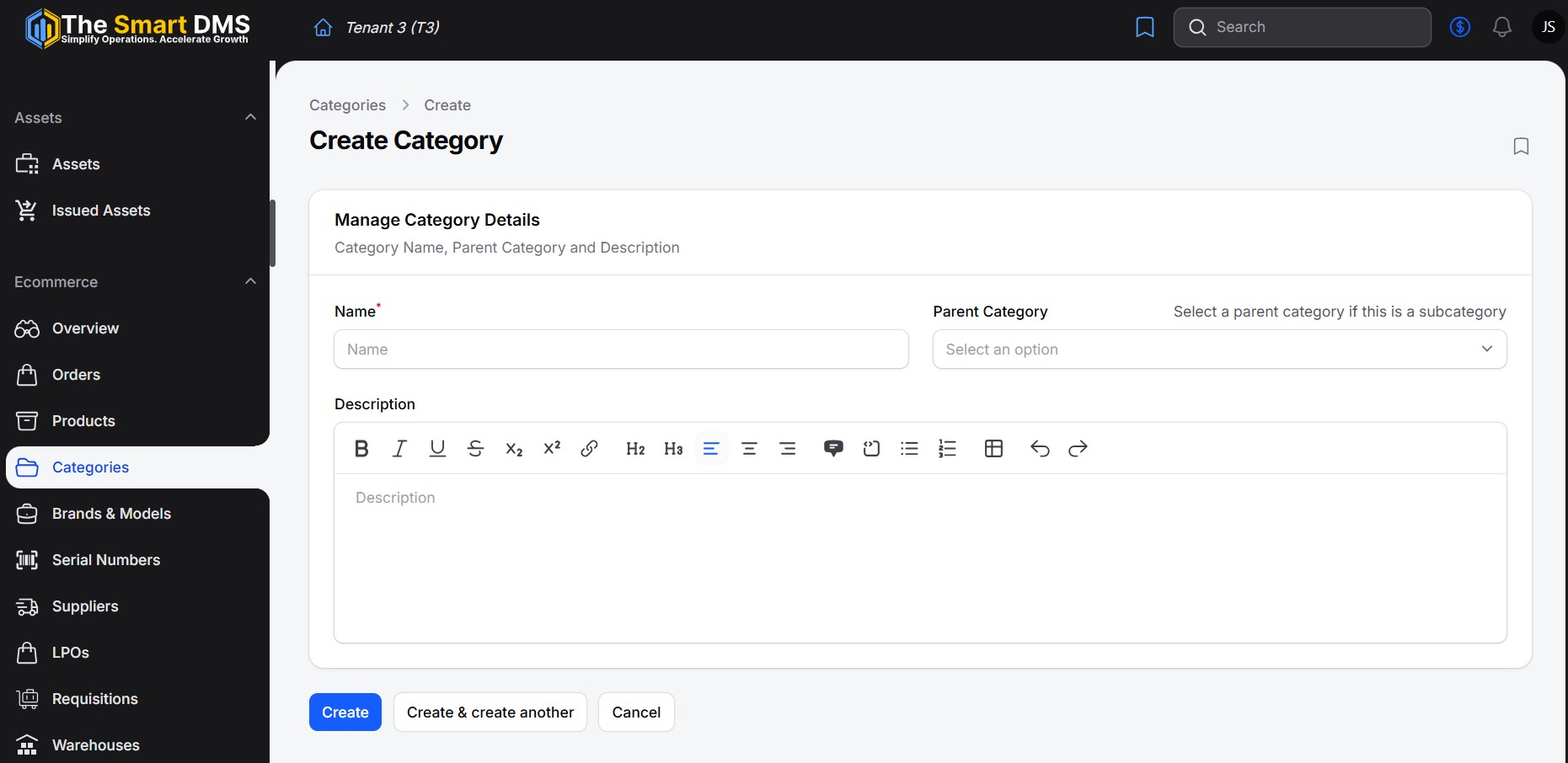
Open Categories and select the create action. Complete the following fields:
| Field | Required | Description |
|---|---|---|
| Name | Yes | Enter a clear category name, such as Electronics, Clothing, or Building Materials. |
| Parent Category | No | Select an existing category if you are creating a subcategory. Leave this blank to create a main category. |
| Description | No | Describe the category and the products it covers. The editor supports formatted text, links, lists, and tables. |
Save the form to create the category.
Creating Subcategories #
Create the parent category first, then create each subcategory and select its parent in the Parent Category field.
For example:
| Category | Parent Category |
|---|---|
| Electronics | Leave blank |
| Mobile Phones | Electronics |
| Accessories | Electronics |
Each subcategory is a separate record with its own name and optional description.
Viewing and Editing Categories #
The categories list displays each category’s name and parent category, helping you review how your catalogue is organised.
Open a category to view its details, or use the edit action to update its name, parent category, or description. Save the form to apply your changes.


